Exceptions in Python: Handle Errors with try, except and finally
Learn how Python exceptions change control flow, how to catch expected failures without hiding bugs, and when to use else, finally, raise, and custom exceptions.
KnowledgeGate Team
Exam prep & CS education
Updated 18 Oct 20265 min read
One unexpected input can stop an otherwise correct script: int("three") raises ValueError, so the statements after it do not run. You need a clear route from recognising that exception to handling only the failures the program can recover from. The goal is not to suppress every error, but to stop expected bad input from becoming an unexplained crash.
What an exception is in Python
A syntax error means Python cannot parse the program. For example, if True print("ready") is not valid Python, so execution cannot begin. By contrast, 10 / 0 is valid syntax: execution starts, reaches that expression, and raises ZeroDivisionError at runtime.
When you read a traceback, find three things: the exception type, its message, and the line that failed. For int("three"), the type is ValueError, the message explains that the text is not a valid integer, and the failing line contains the conversion. Full traceback wording can vary, but those three clues remain useful.
When a statement raises an exception, Python skips the remaining statements in that block and looks for a matching handler. If it finds none, the exception moves up through the calling functions. An unhandled exception eventually terminates the program and displays a traceback.
Catch one expected failure with try and except
Keep the protected block small. This function protects both conversions, because either one can fail when a learner supplies non-numeric text:
def training_distance(laps_text, metres_per_lap_text):
    try:
        laps = int(laps_text)
        metres_per_lap = float(metres_per_lap_text)
    except ValueError as exc:
        return f"{type(exc).__name__}: enter laps and metres as numbers"

    return laps * metres_per_lap


print(training_distance("3", "249.50"))
print(training_distance("three", "249.50"))
The outputs are:
748.5
ValueError: enter laps and metres as numbers
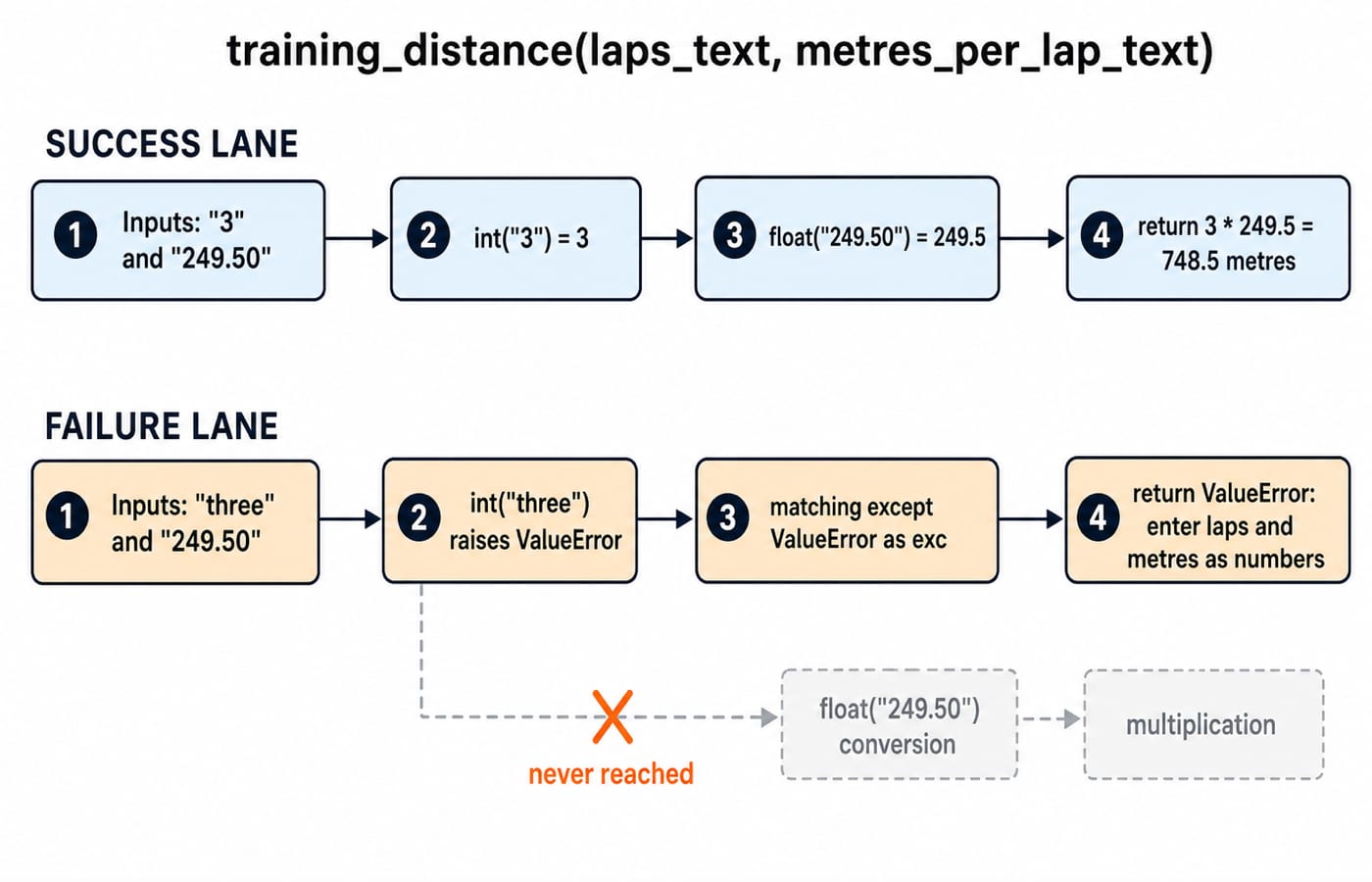
On the success path, int("3") gives 3, float("249.50") gives 249.5, and 3 * 249.5 = 748.5. The handler covers both expected conversions because both are inside try. The multiplication stays outside, so this handler cannot disguise an unrelated defect there as bad input.
The Python Programming course provides a structured route for practising Python concepts, MCQs, and coding questions after you rerun this example.
Handle different exception types without hiding bugs
Input conversion and arithmetic can fail for different reasons. Give each recoverable failure its own response:
def safe_split(total_text, people_text):
    try:
        total = int(total_text)
        people = int(people_text)
        return total / people
    except ValueError:
        return "use whole numbers"
    except ZeroDivisionError:
        return "people must be greater than zero"
The three paths are distinct:
Call | Result |
|---|---|
|
|
|
|
|
|
Order handlers from narrow to broad. except (TypeError, ValueError): is suitable when both failures genuinely need the same recovery. except Exception: belongs only as a last resort at a real application boundary, not as the default in a small tutorial function.
Use else for success and finally for cleanup
An else block runs only when try completes without an exception. This refactor protects only the conversions and validates zero before division:
def split_with_flow(total_text, people_text):
    events = []
    try:
        total = int(total_text)
        people = int(people_text)
    except ValueError:
        events.append("invalid input")
        return "use whole numbers", events
    else:
        events.append("parsed")
        if people == 0:
            return "people must be greater than zero", events
        return total / people, events
    finally:
        events.append("finished")
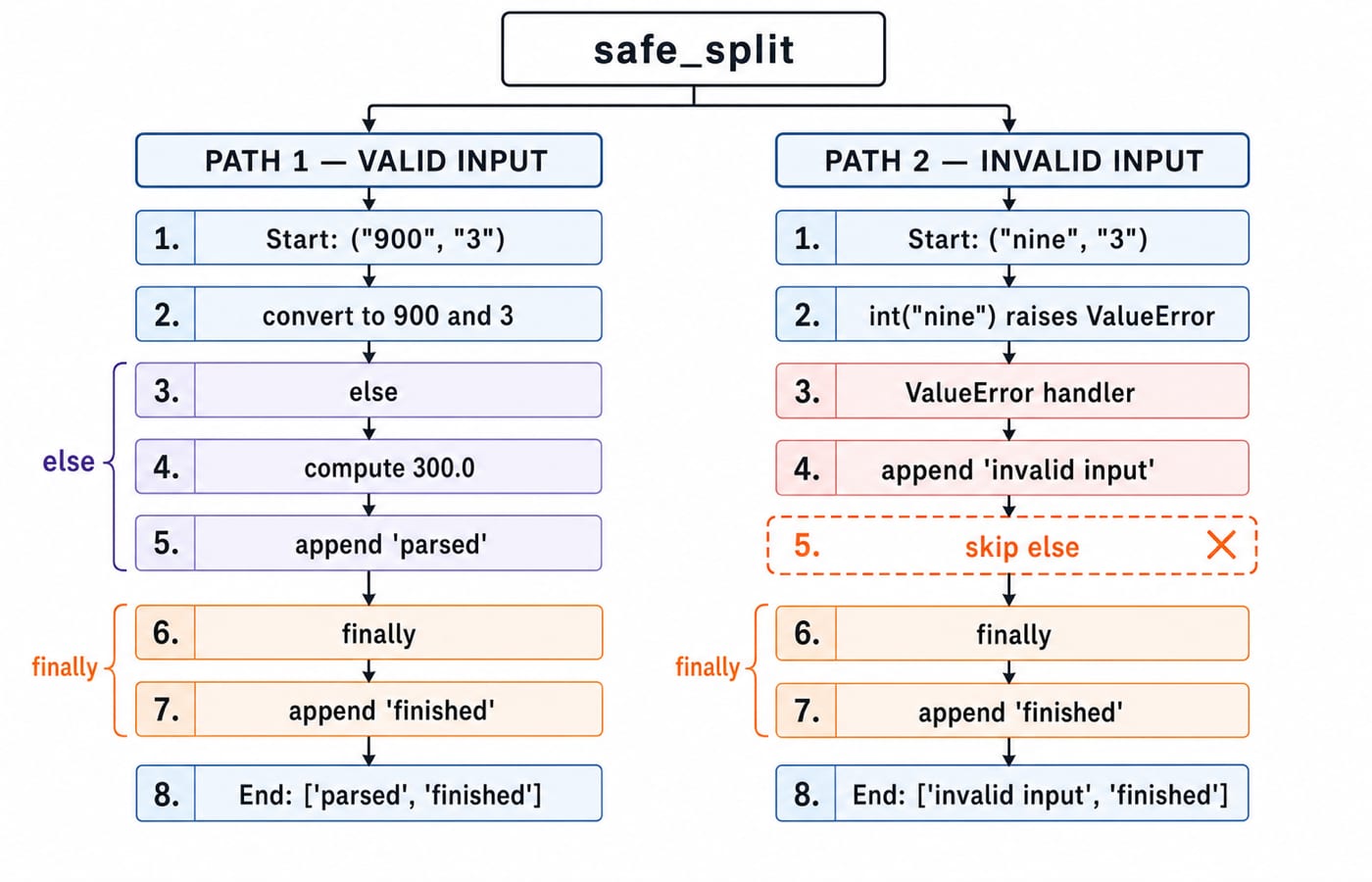
split_with_flow("900", "3") returns (300.0, ['parsed', 'finished']). split_with_flow("nine", "3") returns ('use whole numbers', ['invalid input', 'finished']). The finally append happens even when an earlier block returns.
An exception raised inside else is not caught by the preceding except, which is why zero is checked before division here. In the previous version, division remained inside try, so except ZeroDivisionError could handle it. Use else for success-only work and finally for unavoidable cleanup. Avoid return inside finally, because it can replace an earlier return or exception. Files are normally managed with with open(...), which handles closing more safely than manual cleanup.
Raise clear errors and define a custom exception
A function should raise an exception when it cannot honour its contract. A custom type lets callers distinguish a stock problem from an invalid request:
class InsufficientStockError(Exception):
    pass


def reserve(stock, requested):
    if requested <= 0:
        raise ValueError("requested must be positive")
    if requested > stock:
        raise InsufficientStockError(
            f"short by {requested - stock} units"
        )
    return stock - requested
The exact results are reserve(10, 4) -> 6, reserve(10, 12) -> InsufficientStockError: short by 2 units, and reserve(10, 0) -> ValueError: requested must be positive.
Inside a handler, plain raise re-raises the current exception. raise NewError(...) from exc translates a low-level failure into a domain-specific error while preserving the original cause for debugging.
Common Python exception-handling mistakes and fixes
Wrapping an entire function in
try. It feels safer, but the handler can mislabel a programming bug as bad input. Protect only the statements expected to fail, such as the two conversions above.Using
except:orexcept Exception: pass. The program appears to continue, but the cause disappears and later state may be wrong. Catch an expected type, provide a useful message, and let unexpected failures surface.Putting a broad handler first. A broad branch catches the failure before
except ValueErrororexcept ZeroDivisionErrorcan run. Order handlers from specific to general.Using exceptions for predictable branches. Validate
requested <= 0and raise one clear contract error. Do not trigger an unrelated arithmetic or indexing failure merely to translate it later.
How assessments and interviews test Python exceptions
Output tracing checks whether you understand the order of try, except, else, and finally:
events = []
try:
    value = 12 // 3
except ZeroDivisionError:
    events.append("except")
else:
    events.append(f"else:{value}")
finally:
    events.append("finally")

print(events)
The exact output is ['else:4', 'finally']. Change only the divisor to 0, and the output becomes ['except', 'finally'].
Common question patterns ask you to identify the raised type, choose the first matching handler, predict whether else and finally run, decide when to use raise, or spot an over-broad handler. For practice, check these results:
Parse
['72', 'absent', '88']:valid_total = 160, invalid_count = 1.Process
[(84, 7), (84, 0)]:[12.0, 'people must be greater than zero'].Catch
InsufficientStockErrorfromreserve(10, 12)and printshort by 2 units.
The practice bank includes Python exception-handling questions that drill exactly these control-flow decisions.
The short version and what to learn next
Catch only recoverable failures, keep try small, prefer specific exception types, use else for success-only work, and reserve finally for must-run cleanup. Rerun each example after changing one input so you see both paths. Use the Coding & Skills category to choose a language or problem-solving route, then continue with the DSA Using Python course. For related practice, study Stacks and Queues for operations that reject invalid states and Sorting Algorithms for comparing implementation choices.
Keep learning
Context Managers in Python: with, __enter__, __exit__ and contextlib
Learn how Python's with statement guarantees cleanup, then build and trace class-based and generator-based context managers with runnable examples.
Updated 14 Oct 20266 min readPython
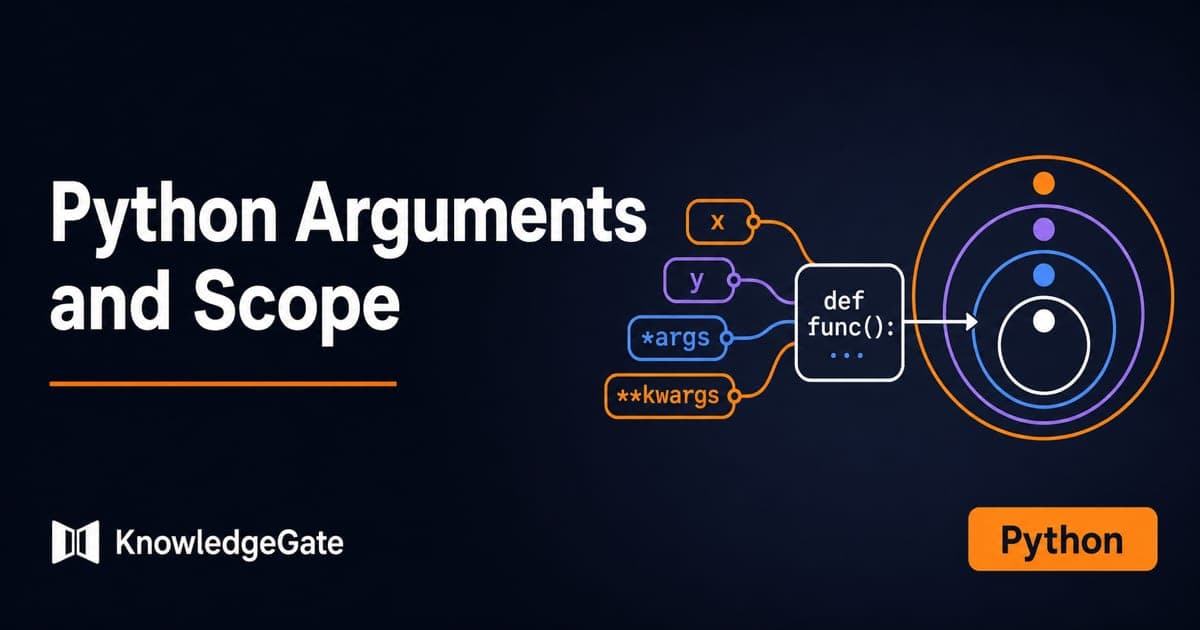
Python Arguments and Scope: Parameters, LEGB, and Worked Examples
Trace how Python binds arguments, handles mutation and rebinding, and resolves names through LEGB. Runnable examples turn scope rules into predictable output.
Updated 10 Oct 20265 min readPython
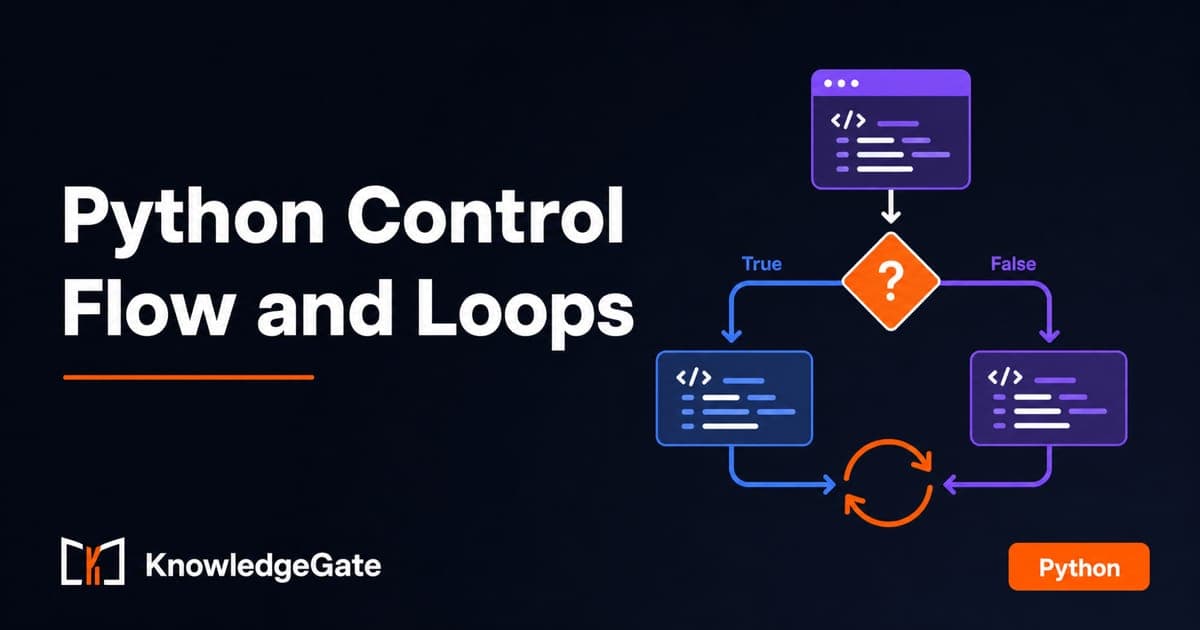
Python Control Flow and Loops: if, for, while and Worked Traces
Learn to trace Python branches and loops without skipping a state change. Worked examples cover GCD, break and continue, loop else, nested loops, and common mistakes.
Updated 6 Oct 20265 min readPython
Python for GATE: CS vs DA Syllabus, Past-Paper Evidence and a 10-Week Plan
Choose the right Python preparation path for GATE CS or DA, then use two worked traces and three diagnostic gates to test your progress.
Updated 1 Oct 20264 min readPython